Skip to content
MyErrorFix
  • AirPods Not Connecting? 13 Ways to Fix It
    iPhone Fixes

    AirPods Not Connecting? 13 Ways to Fix It

    ByMyErrorFix January 24, 2026

    Quick Fix If your AirPods won’t connect, try this: Put AirPods in the case, close it, wait 15 seconds, then open it near your device. If that doesn’t work, forget the AirPods in Bluetooth settings and re-pair them by holding the button on the back of the case until the light flashes white. This fixes…

    Read More AirPods Not Connecting? 13 Ways to Fix ItContinue

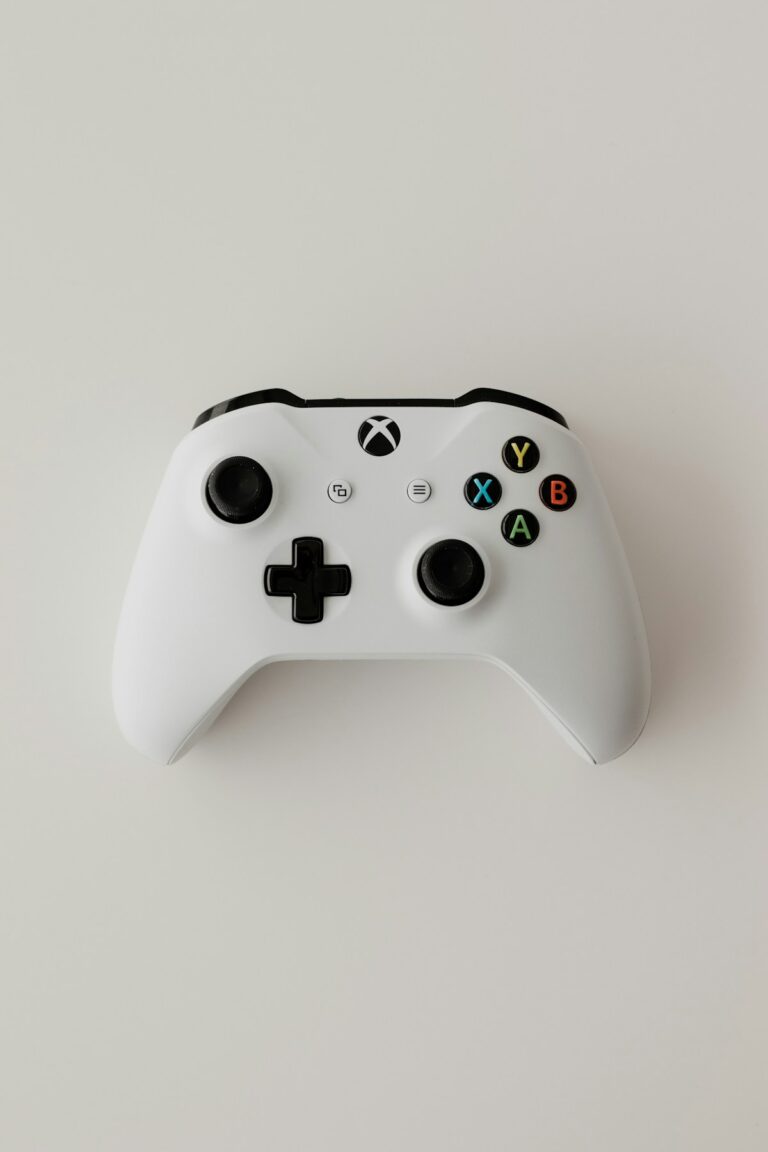
  • Xbox controller connection troubleshooting
    Gaming Consoles

    Xbox Controller Not Connecting to PC – 13 Methods to Fix It

    ByMyErrorFix January 22, 2026

    Quick Fix If your Xbox controller won’t connect to PC, try this: Connect it with a USB cable first – this works immediately and updates the controller. For wireless, press the pairing button on the controller (small button on top) until the Xbox button flashes rapidly, then go to Windows Settings > Bluetooth > Add…

    Read More Xbox Controller Not Connecting to PC – 13 Methods to Fix ItContinue

  • Nintendo Switch Wont Turn On? 11 Ways to Fix It
    Gaming Consoles

    Nintendo Switch Wont Turn On? 11 Ways to Fix It

    ByMyErrorFix January 22, 2026

    Quick Fix If your Nintendo Switch won’t turn on, try this: Hold the Power button for 15-20 seconds to force a hard reset. Then press Power again to turn it on. If nothing happens, connect the charger and wait 30 minutes – the battery may be completely drained. A solid green light on the dock…

    Read More Nintendo Switch Wont Turn On? 11 Ways to Fix ItContinue

  • PS5 Controller Drift: 11 Ways to Fix It
    Gaming Consoles

    PS5 Controller Drift: 11 Ways to Fix It

    ByMyErrorFix January 22, 2026

    Quick Fix If your PS5 controller has stick drift, try this quick fix: Reset the controller by inserting a pin into the small hole on the back for 5 seconds. Then clean around the analog sticks with compressed air or isopropyl alcohol. Go to Settings > Controllers > Deadzone and increase the deadzone slightly. These…

    Read More PS5 Controller Drift: 11 Ways to Fix ItContinue

  • Bluetooth Not Connecting? 13 Ways to Fix It
    Windows Errors

    Bluetooth Not Connecting? 13 Ways to Fix It

    ByMyErrorFix January 22, 2026

    Quick Fix If your Bluetooth won’t connect, try this: Turn Bluetooth off and on in Settings > Bluetooth & devices. Put your device in pairing mode (usually hold the power button until LED flashes). Click “Add device” and select your device. If it still won’t connect, remove the device from paired devices and pair it…

    Read More Bluetooth Not Connecting? 13 Ways to Fix ItContinue

  • Printer Offline? 12 Ways to Fix It
    Windows Errors

    Printer Offline? 12 Ways to Fix It

    ByMyErrorFix January 22, 2026

    Quick Fix If your printer shows “Offline” in Windows, try this quick fix: Turn off the printer, wait 30 seconds, turn it back on. Then go to Settings > Devices > Printers & scanners, click your printer, and select “Open queue” > “Printer” > “Use Printer Online”. This resolves most printer offline issues in under…

    Read More Printer Offline? 12 Ways to Fix ItContinue

  • Zoom Audio Not Working? 12 Ways to Fix It
    App Software Fixes

    Zoom Audio Not Working? 12 Ways to Fix It

    ByMyErrorFix January 22, 2026

    Quick Fix If your Zoom audio isn’t working, try these instant fixes: Click the arrow next to the microphone icon and select the correct audio device. Make sure you’re not muted (look for the red line through the mic). If others can’t hear you, go to Settings > Audio and click “Test Mic” to verify…

    Read More Zoom Audio Not Working? 12 Ways to Fix ItContinue

  • USB Device Not Recognized? 11 Ways to Fix It
    Windows Errors

    USB Device Not Recognized? 11 Ways to Fix It

    ByMyErrorFix January 21, 2026January 21, 2026

    Quick Fix When Windows shows “USB Device Not Recognized,” try these quick fixes: Unplug the USB device, wait 10 seconds, and plug it into a different USB port. If that doesn’t work, restart your computer with the device unplugged, then reconnect it after Windows loads. These simple steps resolve most USB recognition issues instantly. Understanding…

    Read More USB Device Not Recognized? 11 Ways to Fix ItContinue

  • Chrome Not Responding? 10 Ways to Fix It
    App Software Fixes

    Chrome Not Responding? 10 Ways to Fix It

    ByMyErrorFix January 21, 2026January 21, 2026

    Quick Fix If Google Chrome is not responding or frozen, try these instant fixes: Press Ctrl+Shift+Esc to open Task Manager, find Chrome, and click “End Task.” Then reopen Chrome. If it keeps freezing, disable extensions by typing chrome://extensions in the address bar and toggling them off. These steps fix most Chrome freezing issues in under…

    Read More Chrome Not Responding? 10 Ways to Fix ItContinue

  • Spotify something went wrong error
    App Software Fixes

    Spotify Something Went Wrong: 10 Ways to Fix It

    ByMyErrorFix January 21, 2026January 21, 2026

    Quick Fix If Spotify shows “Something went wrong” error, try these quick solutions: Clear app cache (Settings > Apps > Spotify > Clear Cache), log out and back in, or reinstall the app. For desktop users, delete the Spotify folder in AppData and reinstall. Most “Something went wrong” errors resolve within 5 minutes using these…

    Read More Spotify Something Went Wrong: 10 Ways to Fix ItContinue

Page navigation

Previous PagePrevious 1 … 5 6 7 8 Next PageNext

© 2026 MyErrorFix - WordPress Theme by Kadence WP

  • Home
  • Windows Errors
  • Mac Issues
  • iPhone Fixes
  • Android Solutions
  • Gaming Consoles
  • App & Software
  • Smart TV
  • Network & WiFi
  • Printers
We use cookies to ensure that we give you the best experience on our website. If you continue to use this site we will assume that you are happy with it.