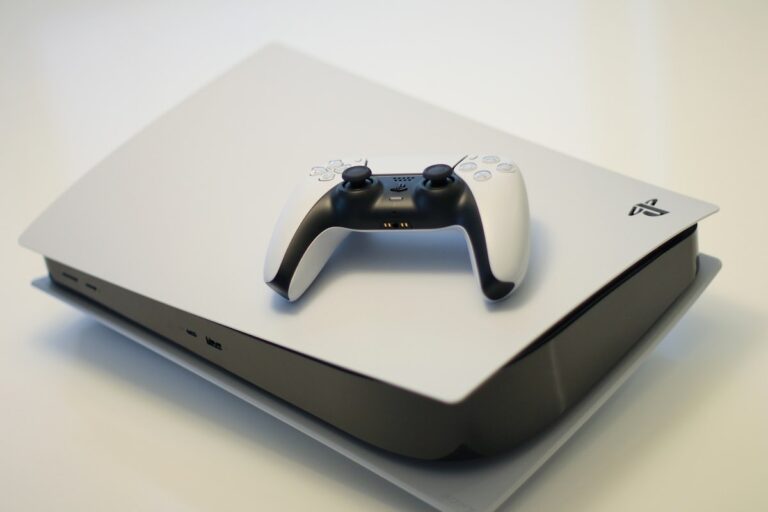
PS5 Controller Drift: 11 Ways to Fix It
Quick Fix If your PS5 controller has stick drift, try this quick fix: Reset the controller by inserting a pin into the small hole on the back for 5 seconds. Then clean around the analog sticks with compressed air or isopropyl alcohol. Go to Settings > Controllers > Deadzone and increase the deadzone slightly. These…