iPhone WiFi Grayed Out? 10 Fixes That Actually Work
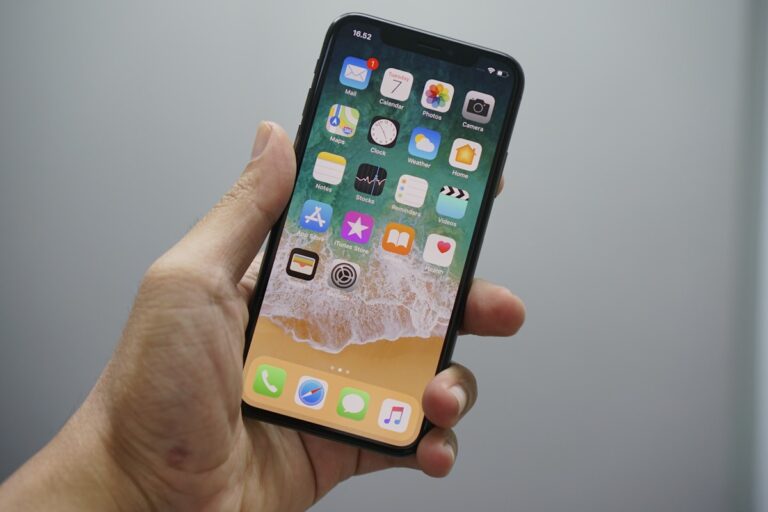
Quick Fix: Restart your iPhone by holding the power button, then go to Settings > General > Reset > Reset Network Settings. When your iPhone’s WiFi toggle is grayed out and you can’t enable it, you lose access to the internet unless you use cellular data. I’ve seen this issue on several iPhones, and while…