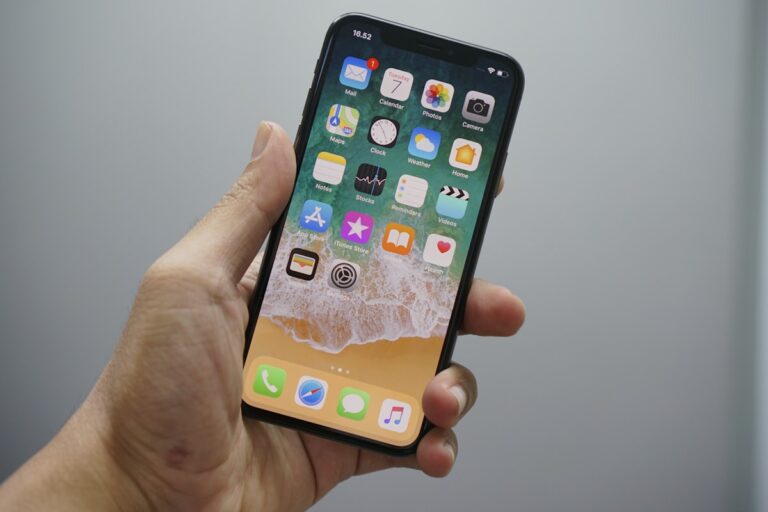
iPhone Stuck on Apple Logo? 7 Ways to Fix It
Quick Fix Force restart your iPhone. For iPhone 8 or newer: Press and release Volume Up, press and release Volume Down, then hold the Side button until you see the Apple logo disappear and reappear. This fixes most boot loops. Your iPhone is stuck on the Apple logo and won’t boot up. You’ve tried turning…
![How to Fix Windows Update Error 0x80070643 [8 Solutions]](https://myerrorfix.com/wp-content/uploads/2026/01/windows-update-large-768x576.jpg)
![How to Fix Roku Error Code 014 [Complete Guide]](https://myerrorfix.com/wp-content/uploads/2026/01/roku-tv-error-768x512.jpg)