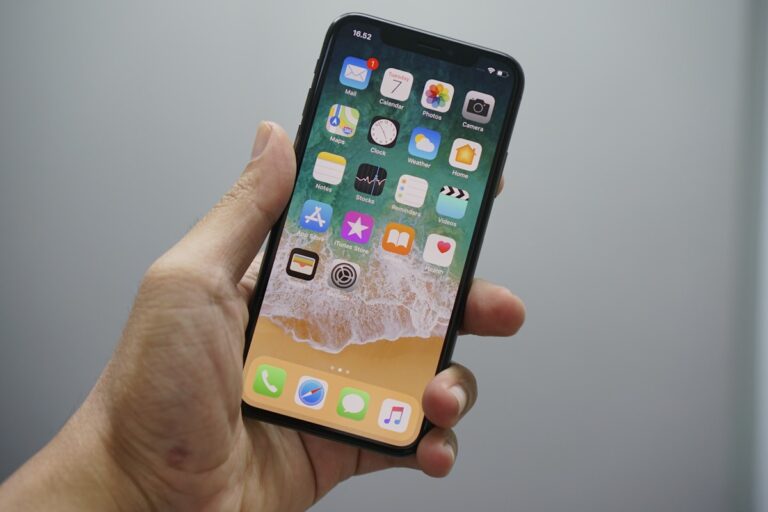
AirDrop Not Working on iPhone? 10 Easy Fixes
Quick Fix Open Control Center, press and hold the network settings panel (WiFi/Bluetooth area), tap AirDrop, and select Everyone temporarily. Also ensure both WiFi and Bluetooth are enabled. This resolves most AirDrop visibility issues. Understanding AirDrop Problems AirDrop uses a combination of Bluetooth for discovery and WiFi for fast file transfer. When it’s not working,…