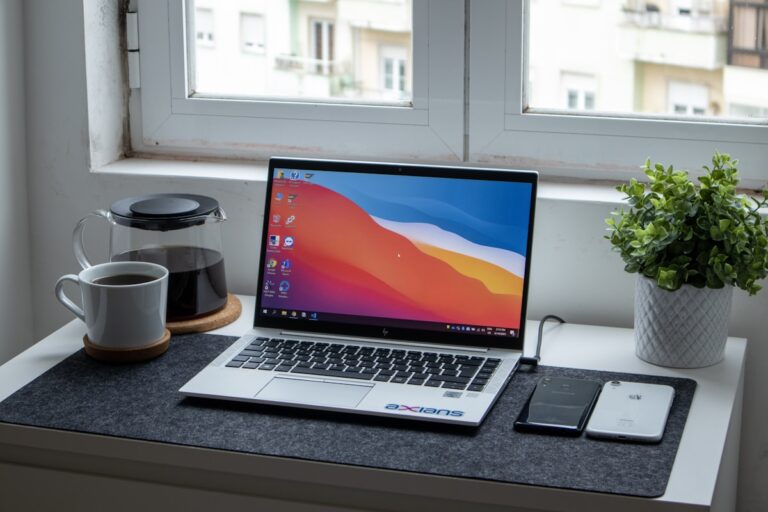
USB Device Not Recognized? 11 Ways to Fix It
Quick Fix When Windows shows “USB Device Not Recognized,” try these quick fixes: Unplug the USB device, wait 10 seconds, and plug it into a different USB port. If that doesn’t work, restart your computer with the device unplugged, then reconnect it after Windows loads. These simple steps resolve most USB recognition issues instantly. Understanding…
![How to Fix Windows Update Error 0x80070643 [8 Solutions]](https://myerrorfix.com/wp-content/uploads/2026/01/windows-update-large-768x576.jpg)
![How to Fix Roku Error Code 014 [Complete Guide]](https://myerrorfix.com/wp-content/uploads/2026/01/roku-tv-error-768x512.jpg)