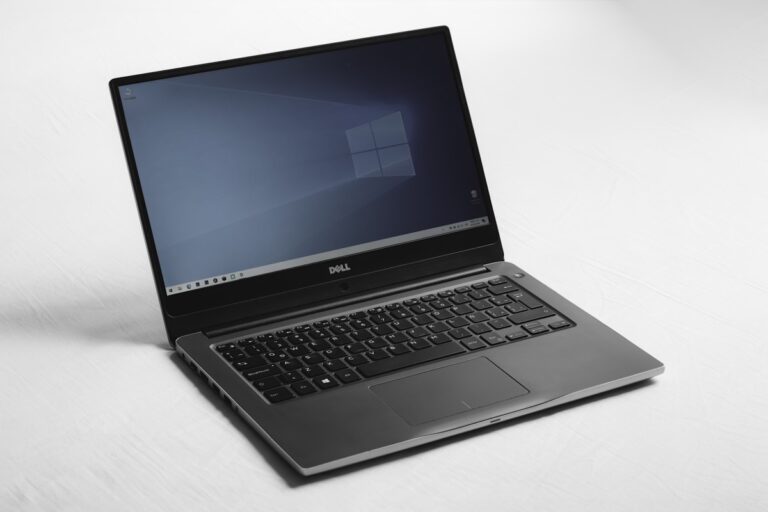
Windows Update Stuck at 100%? 10 Working Fixes
Quick Fix Wait at least 2-3 hours before assuming it’s stuck – large updates can take time even at 100%. If truly frozen, hold the power button for 10 seconds to force restart, then run the Windows Update Troubleshooter from Settings > System > Troubleshoot > Other troubleshooters. Understanding Why Windows Update Gets Stuck Seeing…