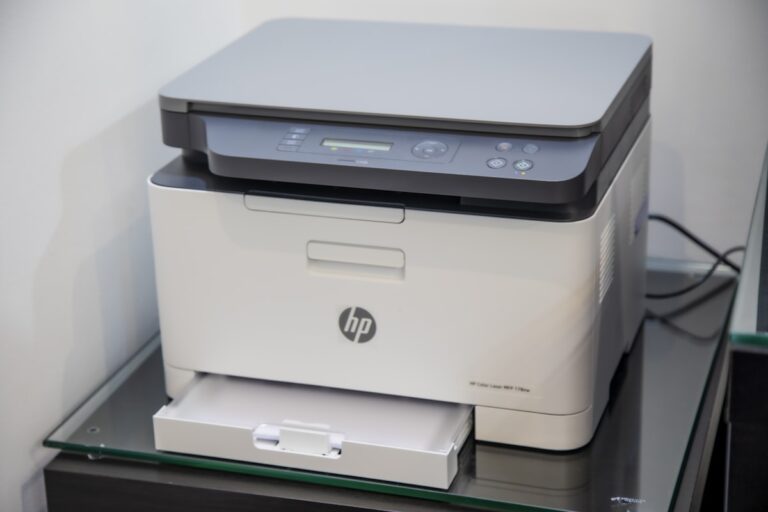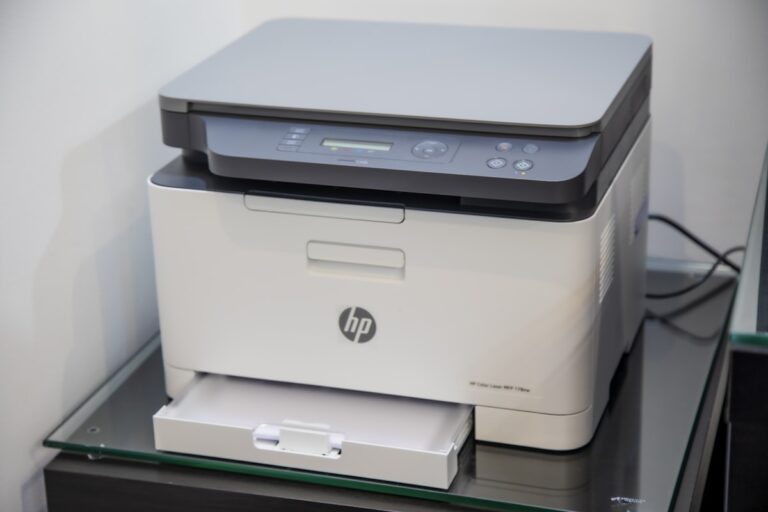
HP OfficeJet Pro 9015 Error E4 – 12 Ways to Fix Paper Jam
Quick Fix HP OfficeJet Pro 9015 error E4 means a paper jam. To fix it: Turn off the printer, open all doors and trays, remove any jammed paper (pull gently to avoid tearing), check the rear access door, close everything, and turn the printer back on. If no paper is visible, the sensors may need…