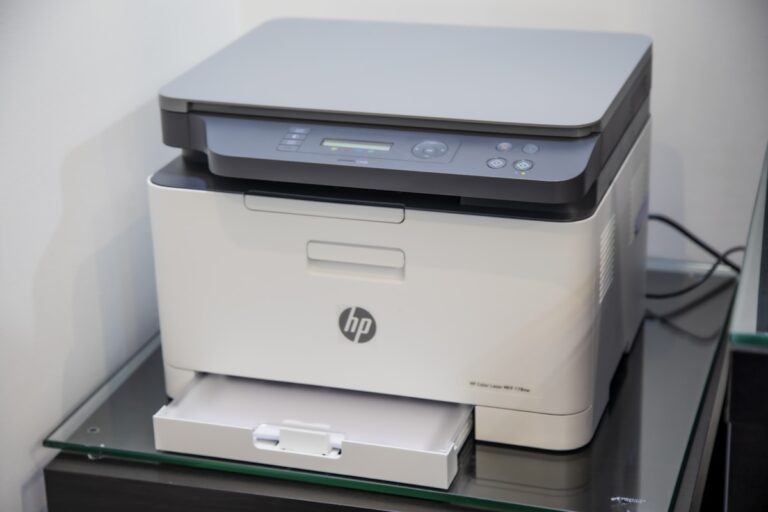
HP Printer Error 79: Complete Fix Guide
Quick Fix HP printer error 79 means a firmware or print job error. Turn off the printer, wait 30 seconds, turn back on. If error returns, cancel all print jobs: on computer go to Printers, right-click your HP printer, select “See what’s printing”, then Cancel All Documents. This clears the bad job causing error 79….